

As a job seeker, it’s essential to be prepared for a video interview to increase your chances of making a positive impression and landing your dream job. In this article, we’ll provide you with valuable tips and advice on how to prepare for a Zoom/Teams/Google Meet/video interview.
Technical Preparation
Before the interview, ensure that your technology is in working order. Here are a few things to check:
- Internet Connection: A stable internet connection is crucial for a smooth video interview. Test your internet speed and ensure that it’s fast enough to support video conferencing.
- Camera and Audio: Make sure your camera and audio are working properly. Test your camera and microphone to ensure that they’re functioning correctly.
- Headphones: Use headphones to reduce echo and ensure that your audio is clear.
- Zoom/Video Conferencing Software: Download and install the required video conferencing software (e.g., Zoom, Teams, Skype, Google Meet) and familiarise yourself with its features.
- Power Source: Ensure that your device is fully charged or plugged into a power source to avoid any interruptions.
Environmental Preparation
Your environment plays a significant role in creating a positive impression. Here are a few things to consider:
- Quiet and Private Space: Find a quiet and private space for the interview, free from distractions and interruptions.
- Good Lighting: Ensure that the lighting in the room is good and doesn’t create harsh shadows on your face.
- Minimal Background: Keep the background simple and minimal to avoid distractions.
- Comfortable Seating: Choose a comfortable and ergonomic chair to ensure that you’re relaxed and focused during the interview.
Personal Preparation
Your personal preparation is crucial to making a positive impression. Here are a few things to consider:
- Dress Professionally: Dress professionally, even if you’re interviewing from home. This will help you get into a professional mindset and make a good impression.
- Grooming: Ensure that your hair is clean and styled neatly, and that you’ve trimmed your nails and shaved (if applicable).
- Practice Your Responses: Practice your responses to common interview questions to ensure that you’re confident and articulate.
- Review the Job Description: Review the job description and requirements to understand the skills and qualifications the interviewer will be looking for.
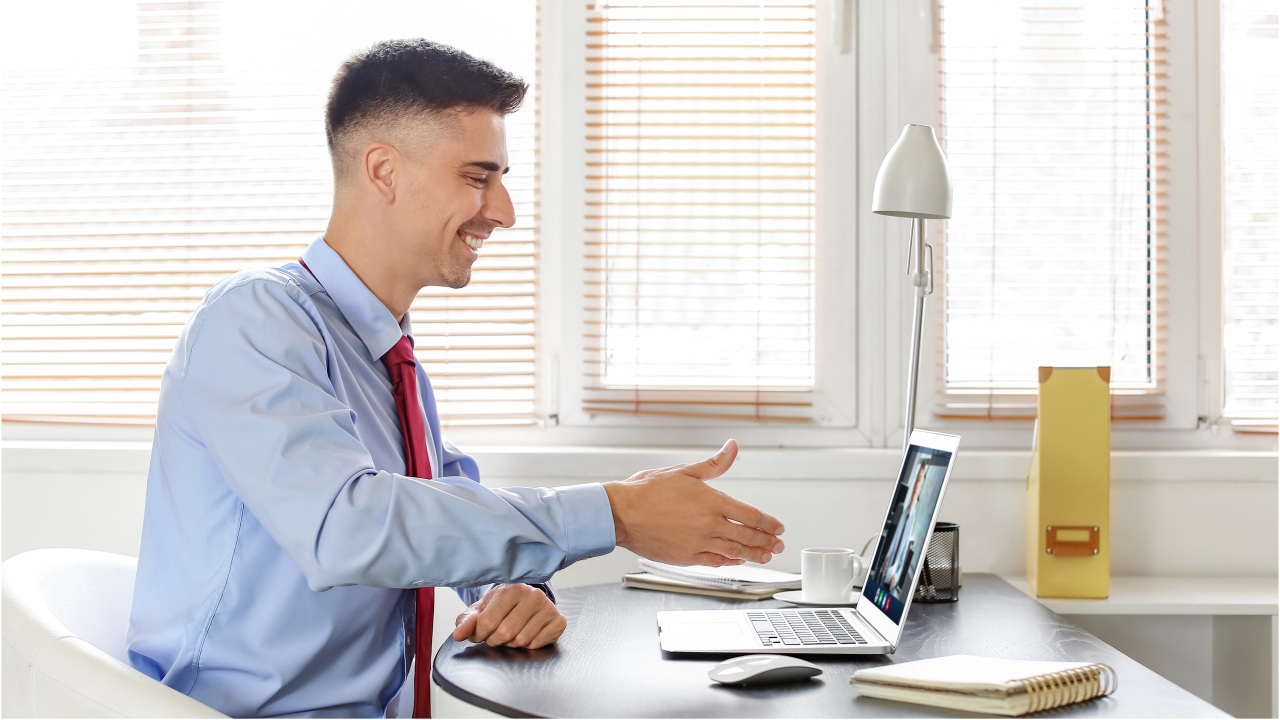
Tips for During the Interview
Here are a few tips to keep in mind during the interview:
- Be on Time: Log in early to ensure that you’re ready to go when the interviewer is.
- Make Eye Contact: Make eye contact with the camera to engage with the interviewer.
- Use Body Language: Use positive body language such as nodding and smiling to show enthusiasm and interest.
- Speak Clearly: Speak clearly and at a moderate pace to ensure that the interviewer can understand you.
- Ask Questions: Prepare a list of questions to ask the interviewer to show your interest in the company and position.
Common Video Interview Mistakes to Avoid
Here are a few common video interview mistakes to avoid:
- Poor Internet Connection: A poor internet connection can lead to delays, dropped calls, and a negative impression.
- Distractions: Avoid distractions such as notifications, emails, and phone calls during the interview.
- Lack of Eye Contact: Failing to make eye contact with the camera can give the impression that you’re not engaged or interested.
- Poor Lighting: Poor lighting can create harsh shadows and make it difficult for the interviewer to see you.
- Unprofessional Attire: Wearing unprofessional attire can give the impression that you’re not taking the interview seriously.
Special Considerations for Panel Interviews
When participating in a video panel interview, there are additional factors to consider:
Managing Multiple Interviewers
- Address Everyone: When answering questions, make eye contact with all panel members by occasionally shifting your gaze between their video feeds
- Note Names: Write down each interviewer’s name and position as they introduce themselves, and use their names when appropriate during the interview.
- Track Who’s Speaking: Pay attention to which panel member is asking each question and direct your initial response to them before broadening your eye contact to include others.
Engaging with the Group
- Read the Room: Observe the dynamic between panel members to understand the hierarchy and relationships.
- Balance Attention: While answering a specific person’s question, occasionally glance at other panel members to keep them engaged.
- Group Discussion: Be prepared for panel members to build upon each other’s questions or engage in discussion among themselves.
Technical Considerations
- Gallery View: Use gallery view (if available) to see all panel members simultaneously.
- Screen Management: Position your window with the panel members’ videos near your camera to maintain natural eye contact.
- Voice Recognition: Listen carefully to distinguish between different voices, as it can be more challenging to identify speakers in a video format.
Additional Tips
- Take Notes: Have a notepad ready to jot down questions or points you want to address, especially when multiple questions are asked.
- Turn-Taking: Wait for a brief pause before speaking to avoid talking over panel members.
- Follow-up Questions: Be prepared for rapid-fire questions from different panel members.
- Group Dynamics: Stay neutral if panel members disagree or debate among themselves.
- Time Management: Keep answers concise to allow time for all panel members to ask their questions.
Remember that panel interviews often involve different perspectives and areas of expertise. Each interviewer may be evaluating different aspects of your candidacy, so try to address various competencies in your responses.
Conclusion
Preparing for a Zoom/video interview requires technical, environmental, and personal preparation. By following the tips outlined in this article, you can increase your chances of making a positive impression and landing your dream job. Remember to be on time, make eye contact, use positive body language, and speak clearly. Avoid common video interview mistakes such as poor internet connection, distractions, and lack of eye contact.


